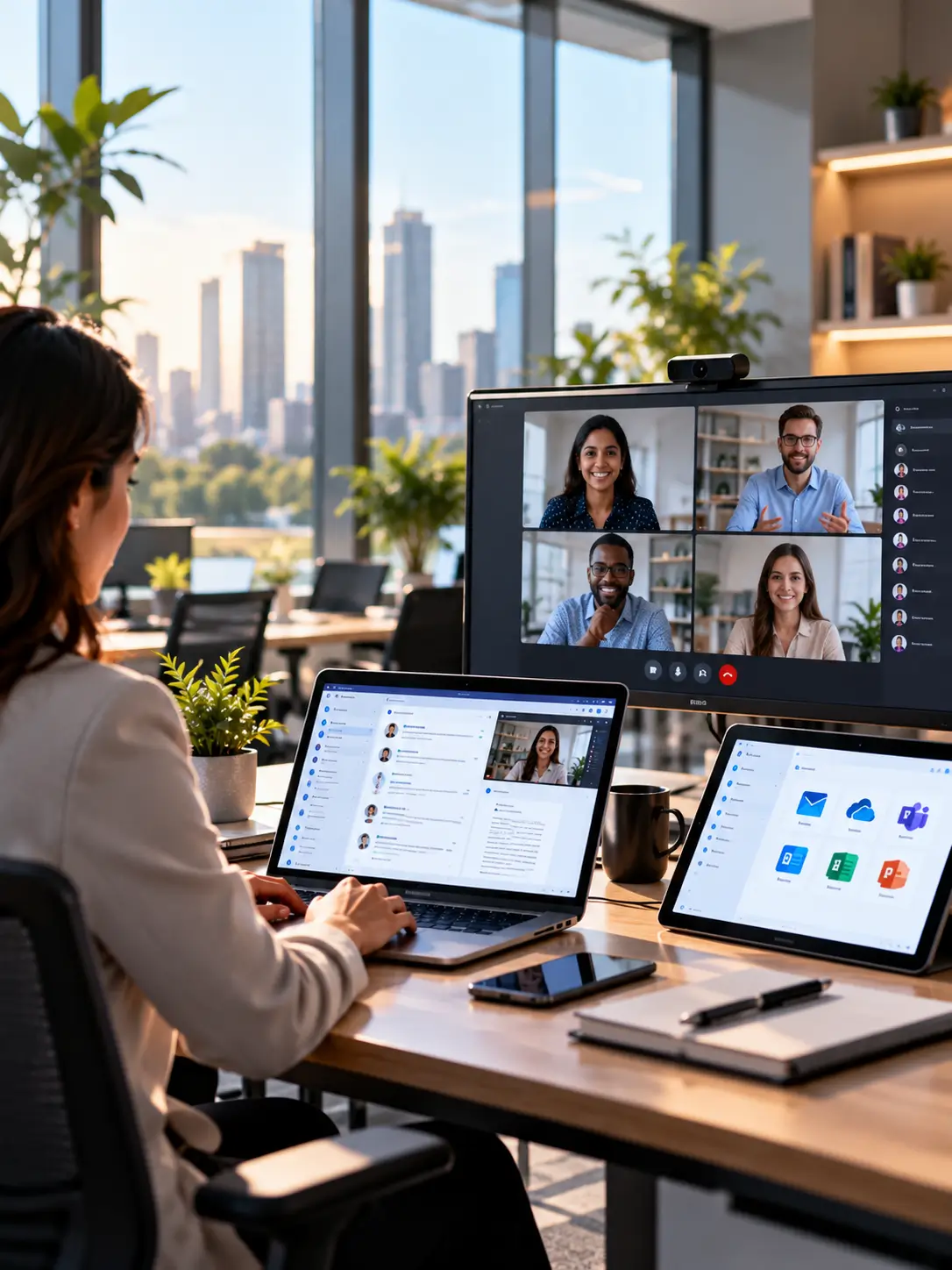
Billow LLC delivers modern workplace solutions and digital workplace transformation services covering Microsoft 365, Google Workspace, device management, virtual desktops and employee support. We help enterprises improve collaboration, strengthen workplace security and create productive, connected digital work environments.
A modern workplace connects productivity, identity, device management and security into one secure environment for hybrid work. Billow's workplace modernization services bring Microsoft 365, Google Workspace, managed devices and digital employee experience together, so people can work securely from anywhere on managed, compliant devices.
We cover the full modern workplace stack, from email and tenant migration to unified endpoint management, virtual desktop infrastructure and an IT service desk. The goal is a consistent, secure experience that improves productivity while making identity and devices easier to govern.
Every modern workplace capability below is a dedicated Billow service. Explore the one you need.
Microsoft 365 consulting, deployment and management that gets the full value out of your licenses.
Google Workspace deployment, administration and support for secure, modern collaboration.
Unified endpoint management and mobile device management that keep every device compliant from one console.
Endpoint analytics that measure and improve the digital employee experience across your fleet.
Virtual desktop infrastructure that delivers a secure desktop to any device, anywhere.
End user computing services that provision, secure and support the devices your people work on.
Digital workplace transformation that modernizes how your organization collaborates and gets work done.
Email and tenant migration to Microsoft 365 or Google Workspace, moved cleanly with nothing lost.
Managed workplace services that run your modern workplace day to day, so your team does not have to.
An IT service desk and end-user support your people actually want to call.
A modern workplace only works if it's secure without being in the way — and manageable without a bigger team. That balance is what we build.
Windows, Mac and mobile managed and secured from a single pane — no separate tools per platform.
Zero-trust access, conditional policies and endpoint protection built into the workplace, not bolted on after.
The team that rolls it out is the team that supports it — so adoption and day-two operations don't fall through a gap.
Change management and training so people actually use the tools — the difference between a rollout and a result.
Deep across the Microsoft workplace stack — and the multi-platform tools that manage everything else.
Productivity & collaboration
Unified endpoint management
Virtual desktops
01
We review your current tools, devices, licensing and security posture, and where people are working around them.
A target workplace — M365 tenant, device policies, security baseline and virtual-desktop plan — mapped to how your teams work.
Roll out in waves with data migrated safely, devices enrolled and users supported through the change.
Ongoing managed support, security updates and adoption help so the workplace keeps working — and people keep using it.
A modern workplace is an IT environment that gives employees secure access to productivity tools, data and collaboration from anywhere, on managed devices, under consistent identity and security controls. Billow's modern workplace services bring together Microsoft 365 or Google Workspace, device management, virtual desktops and security.
Workplace modernization services move an organization from legacy, office-bound IT to a secure modern workplace. This includes migrating to cloud productivity platforms, bringing devices under unified endpoint management, modernizing identity, and adding a managed service desk for ongoing support.
Yes. We deploy, migrate and manage both Microsoft 365 and Google Workspace, and can run email and tenant migrations between them, so you get the collaboration platform that fits your organization.
Device management, or unified endpoint management (UEM), is how IT configures, secures, updates and supports every device, including mobile device management, from one console. It keeps your fleet compliant and protected, which is essential for secure hybrid work.
Yes. Our managed workplace services run your modern workplace environment, including the IT service desk and end-user support, device management and security, so your internal team can focus on higher-value work.
Tell us how your teams work today and what's getting in the way — we'll come back with a clear plan to modernize and secure it.
Billow LLC delivers secure cloud, AI, cybersecurity and digital solutions built around how your business works.
Services
© 2026 Billow, LLC. All rights reserved.